Home camera control room

Available for Windows

CrackWatch™

Your home's Wi-Fi cameras live on your PC, with motion alerts, a guard on your home network and a view on your phone. Nothing goes through the internet.
Version0.4.2Runs onWindows 10 or 11PriceFree
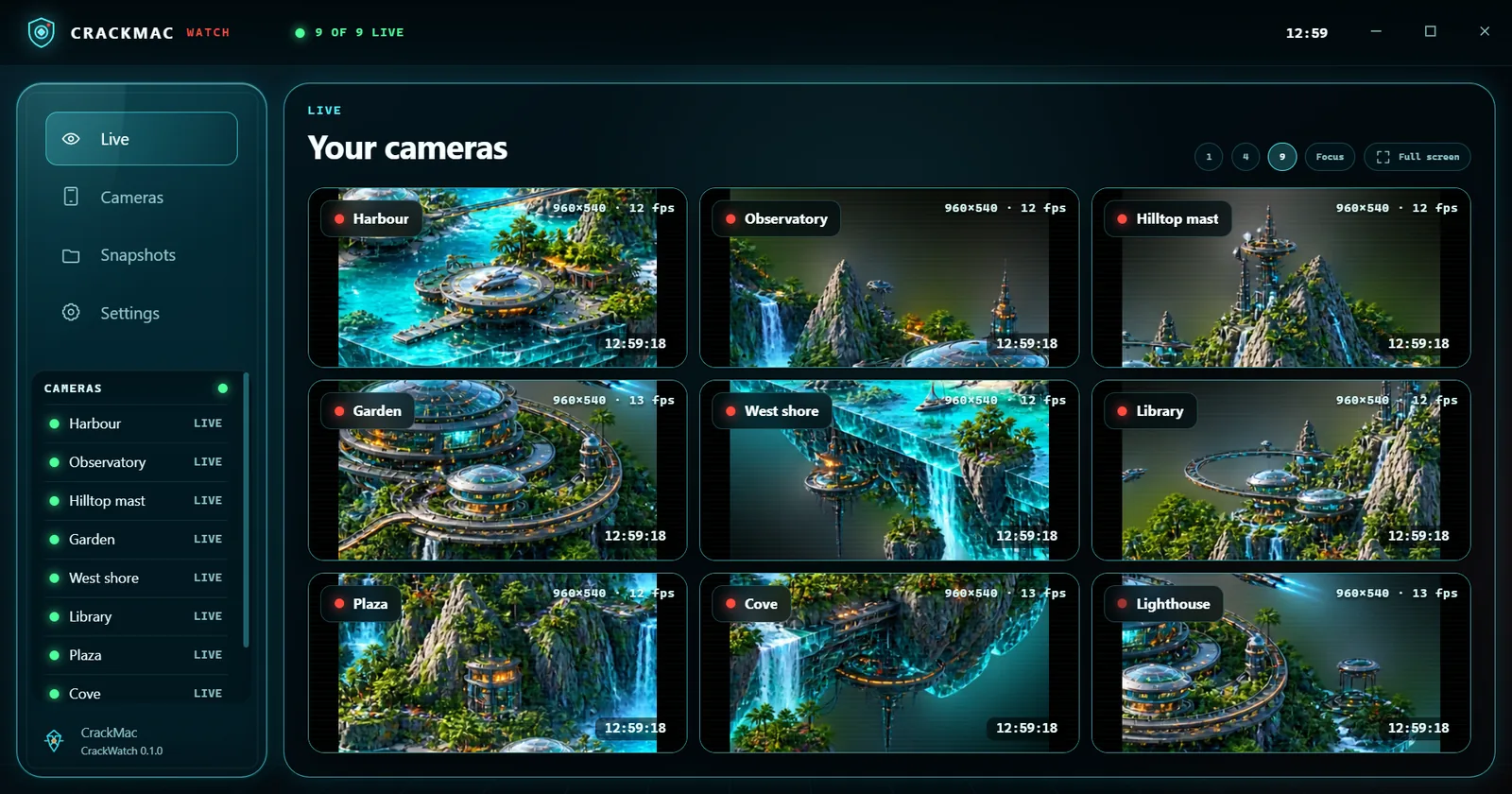
Live wallWindows 10 or 11
CrackWatch interface
CrackWatchAvailable for Windows

What it is

CrackWatch is a control room for the cameras in and around your home.

It shows one, four or nine cameras at once, finds cameras on your network, takes snapshots and records short clips straight to your PC, and can warn you when a camera sees movement. Camera passwords are locked with Windows' own protection and never leave this computer.

What it does

Everything CrackWatch can do.

31 features as of version 0.4.2, grouped by what you want to do. What changed lately →

Live view

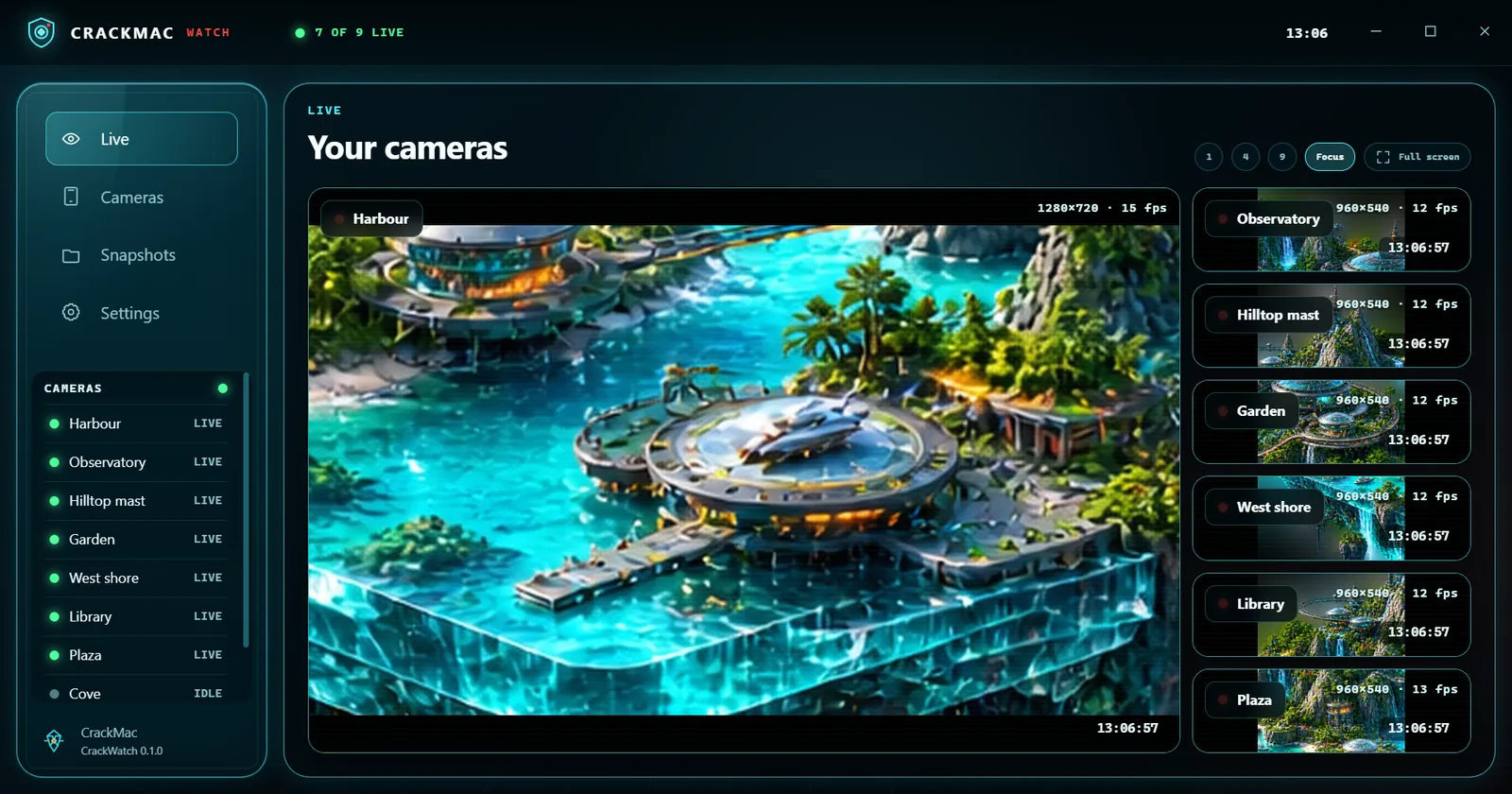
  • Camera wallOne, four or nine cameras side by side, live, with name plates, time and a live dot.Since 0.1.0
  • FocusOne camera large with the others beside it; double-click or press Enter on a camera to make it big.Since 0.1.0
  • Full screenThe whole wall on the whole screen.Since 0.1.0
  • Light on your PCThe wall uses each camera's light stream; the big camera uses full quality.Since 0.1.0

Cameras

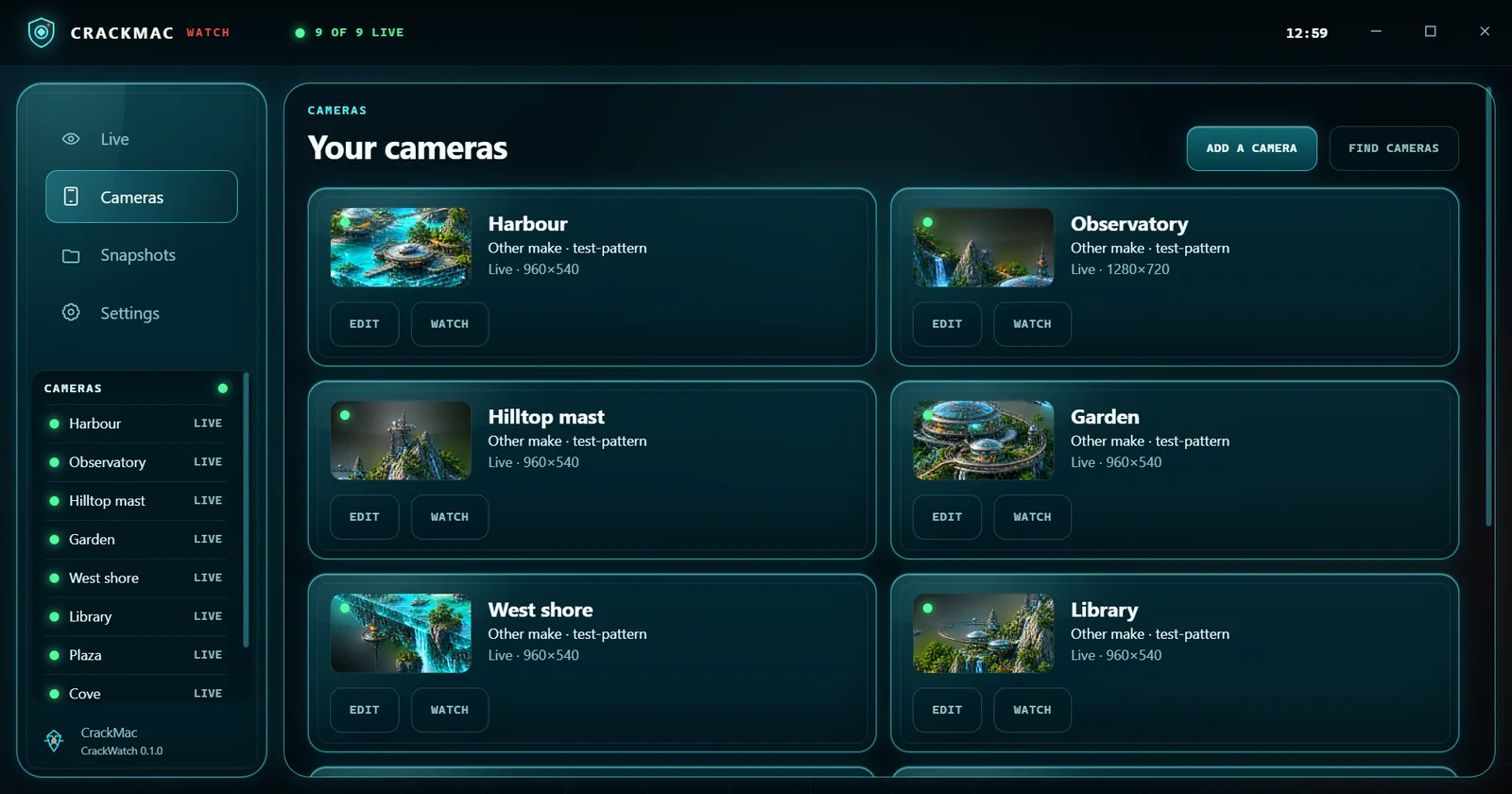
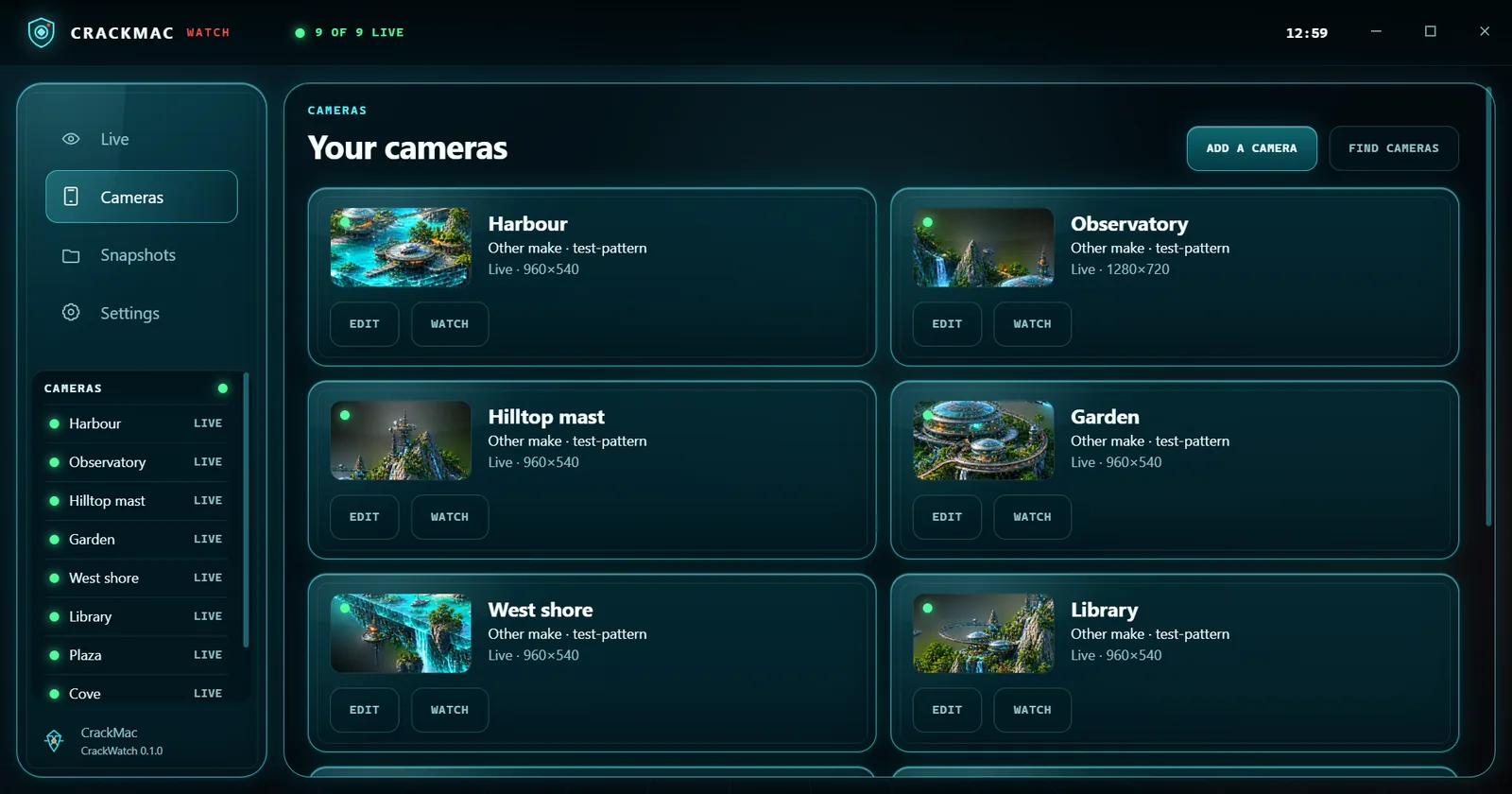
  • Find camerasLooks on your home network for cameras that announce themselves or answer on camera ports.Since 0.1.0
  • Add by handTP-Link Tapo, Reolink, Hikvision, Dahua, Amcrest or any camera with an RTSP stream, with help for each make.Since 0.1.0
  • Test connectionShows a picture, or a plain reason it failed, before you save.Since 0.1.0

Snapshots and clips

  • SnapshotsOne press (or S) saves a full-quality picture to your Pictures folder.Since 0.1.0
  • ClipsRecord 10 seconds to 2 minutes to your Videos folder; choose other folders in Settings.Since 0.1.0
  • Snapshots pageYour snapshots, motion photos and clips with preview pictures, newest first.Since 0.2.0

Motion alerts

  • Per cameraSwitch motion alerts on for the cameras you choose, with Low, Normal or High sensitivity.Since 0.2.0
  • Areas to ignoreTap squares on the picture to ignore a road, a tree or a TV; a live bar shows how much is moving.Since 0.2.0
  • When something movesA Windows notification with a photo, a clip recorded straight away, and the alert on the Alerts page.Since 0.2.0
  • No alert stormsAt most one alert per camera per minute; a light switching on does not count.Since 0.2.0
  • Keeps watchingWatches from the tray after you close the window; pause for an hour from the tray icon; optionally starts with Windows.Since 0.2.0
  • Alerts on your TVA small card with the photo pops up on CrackTV without pausing what is on (switch on in Settings).Since 0.2.1
  • Alerts in your Inbox NewMotion and new-device alerts also reach your CrackMac Inbox on the PC, phone and TV.

Network guard

  • Who is on your networkEvery device on your home network with a name, its kind, address, and when it was first and last seen.Since 0.3.0
  • Device makersDevices that do not say who they are are named by their maker, from the IEEE list built in.Since 0.4.1
  • Trust and renameMark the devices you know and give them names; devices you have not trusted yet stand out.Since 0.3.0
  • New device alertsScans every 10 minutes, also from the tray, and tells you when a device joins that it has never seen (switch on to use).Since 0.3.0
  • CheckupYour Wi-Fi security, risky open doors on the router, UPnP and camera hygiene, each with what to do.Since 0.3.0
  • Network toolsPing, port check (home addresses only) and wake a sleeping computer.Since 0.3.0

On your phone

  • Phone viewingYour cameras live and your motion alerts on your phone, in CrackMac Companion.Since 0.4.0
  • Six-digit pairingPair a phone like a TV: both screens show the same number.Since 0.4.0
  • You see who is watchingThe title bar and Settings show which phone is watching which camera.Since 0.4.0
  • View only, home onlyEncrypted, on your home Wi-Fi; passwords never leave the PC. Switch it off to cut phones off at once.Since 0.4.0

Privacy and reliability

  • Stays at homeCrackWatch talks only to your cameras and devices on your home network; nothing is uploaded.Since 0.1.0
  • Locked passwordsCamera passwords are locked with Windows' own protection and never written to a log.Since 0.1.0
  • Reconnects by itselfA camera that drops out is retried with growing pauses, with a plain message on its tile.Since 0.1.0
  • Slim video engineIts own small FFmpeg with only what CrackWatch uses, so the download is about a third smaller.Since 0.2.2

Patch notes

What changed lately.

The latest releases of CrackWatch. Every release →

0.4.2Alerts in your Inbox1 New
  • New

    Motion alerts and new-device alerts also go to your CrackMac Inbox: in the Launcher, on your paired phone, and on your TV if you switch that on in the Launcher.

0.4.1Device makers2 Improved1 Privacy
  • Improved

    The Network page names the maker of devices that do not announce themselves, such as "TP-Link device".

    From the official IEEE list of network card makers, built into CrackWatch, so it works offline.
  • Improved

    A device whose maker almost only builds one kind of thing (smart plugs, speakers, printers, cameras, network storage) gets that kind.

  • Privacy

    Nothing is looked up online. Phones with a private Wi-Fi address stay anonymous: their maker cannot be told from the address.

0.4.0Your cameras on your phone3 New1 Privacy1 Improved
  • New

    Phone viewing: see your cameras live, the camera list and your motion alerts with their photos on your phone, in CrackMac Companion.

    Off until you switch it on in Settings › Phone viewing. View only: the phone cannot change anything.
  • New

    Pair a phone like a TV: both screens show the same six digits.

    The first time, Windows asks once for permission so your phone can reach this PC.
  • New

    While a phone is watching, the title bar shows PHONE and Settings says which phone is watching which camera.

  • Privacy

    Only on your home Wi-Fi and encrypted. Camera addresses and passwords never leave the PC; switching phone viewing off or forgetting a phone cuts it off at once.

  • Improved

    CrackWatch keeps running in the tray while phone viewing is on, so your phone can still connect with the window closed.

Before you start

What you need.

Windows 10 or 11, 64-bit
A network camera with an RTSP stream: TP-Link Tapo, Reolink, Hikvision, Dahua, Amcrest and most others
For Tapo cameras: a camera account made in the Tapo app (Camera settings › Advanced settings › Camera account)
This PC and the cameras on the same home network
A free CrackMac account to download it; CrackWatch itself needs no account or internet
For phone viewing: CrackMac Companion 0.5.0 or newer on an Android phone on the same Wi-Fi
Updates Install and update through the CrackMac Launcher, which shows when a newer version is available.

Available now

Version 0.4.2

Download the CrackMac launcher to get CrackWatch.