
0.3.2New address: crackmac.net1 Changed
- Changed
Sync and updates now go through account.crackmac.net, on Windows and Android.
CrackMac moved to crackmac.net. The old address, crackmac.nl, was blocked by its registrar. Your notes are untouched.
Tasks and notes
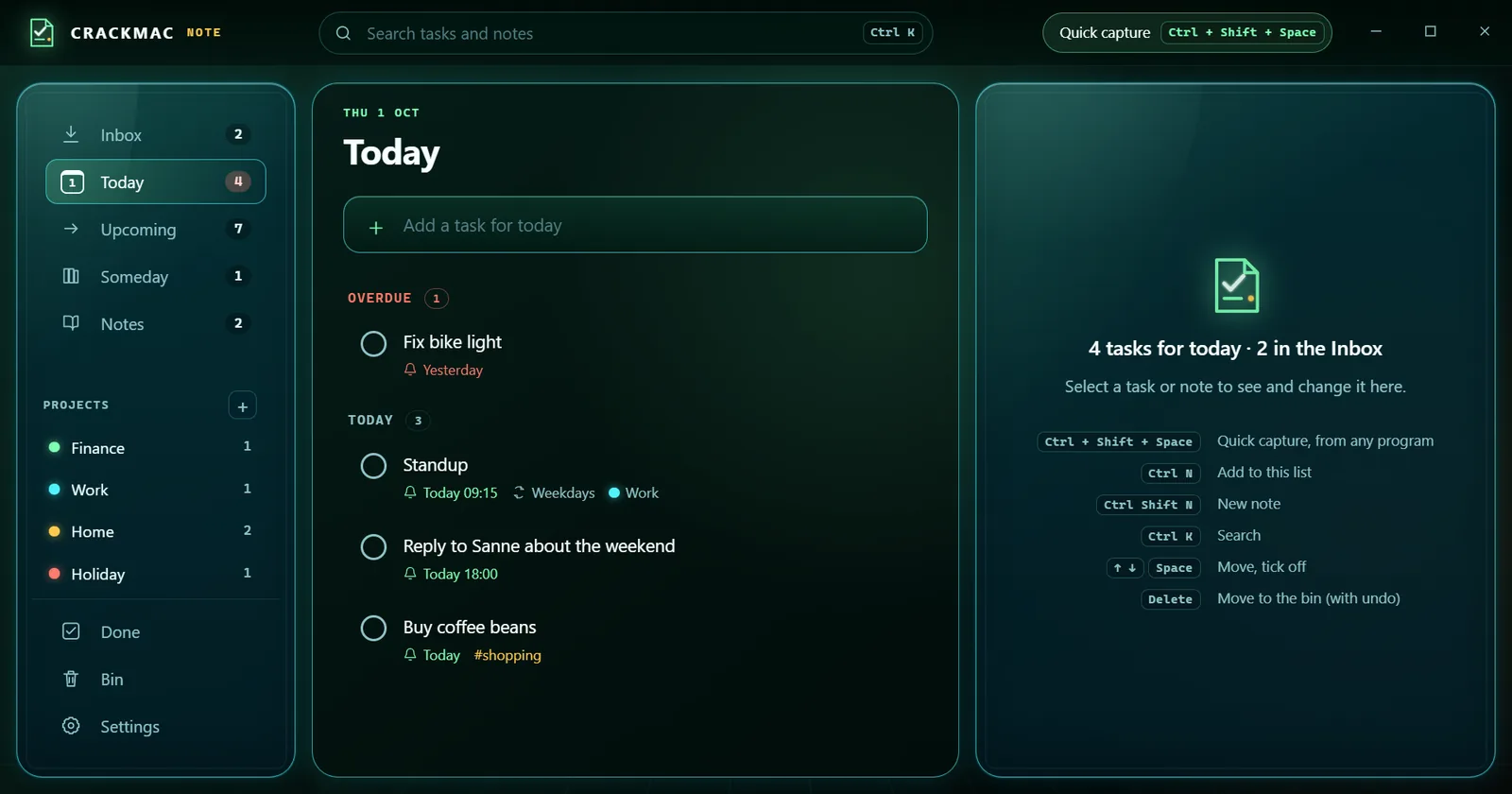
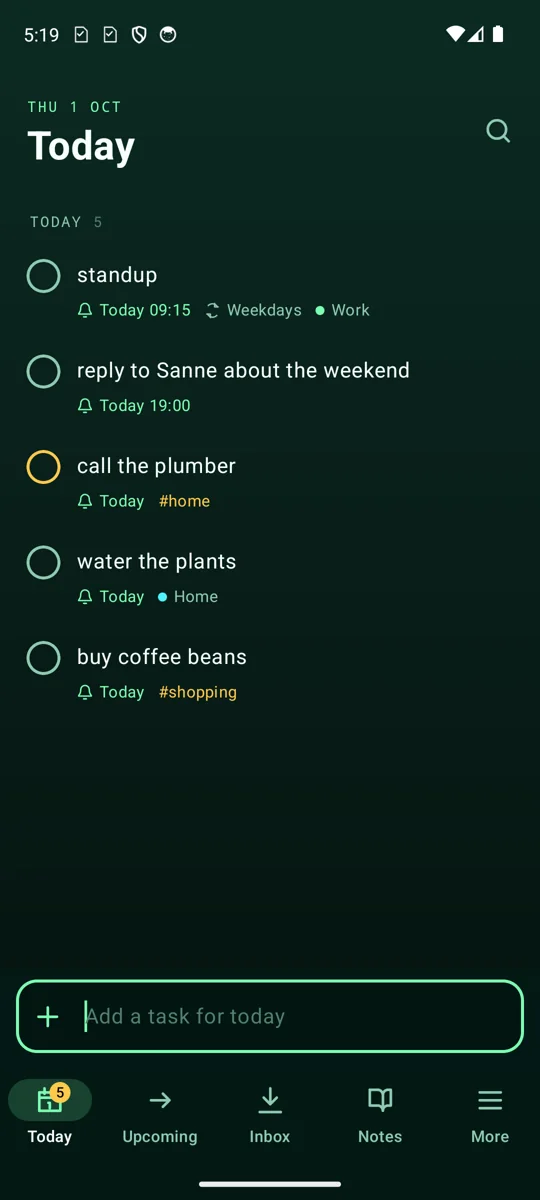
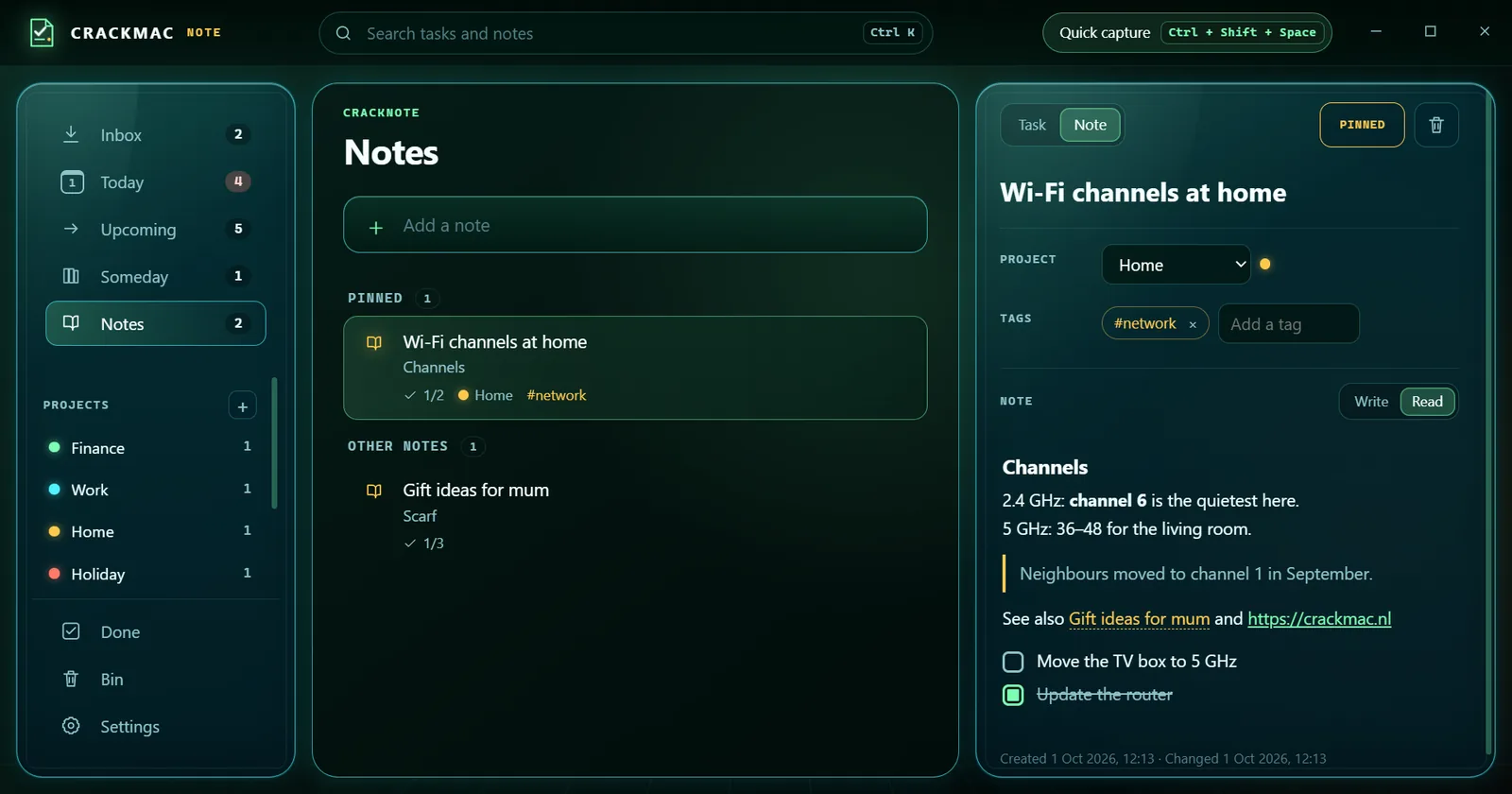
Available for Windows and AndroidTasks and notes that you catch from anywhere in one line, kept the same on your PC and phone, locked so only you can read them.
What it is
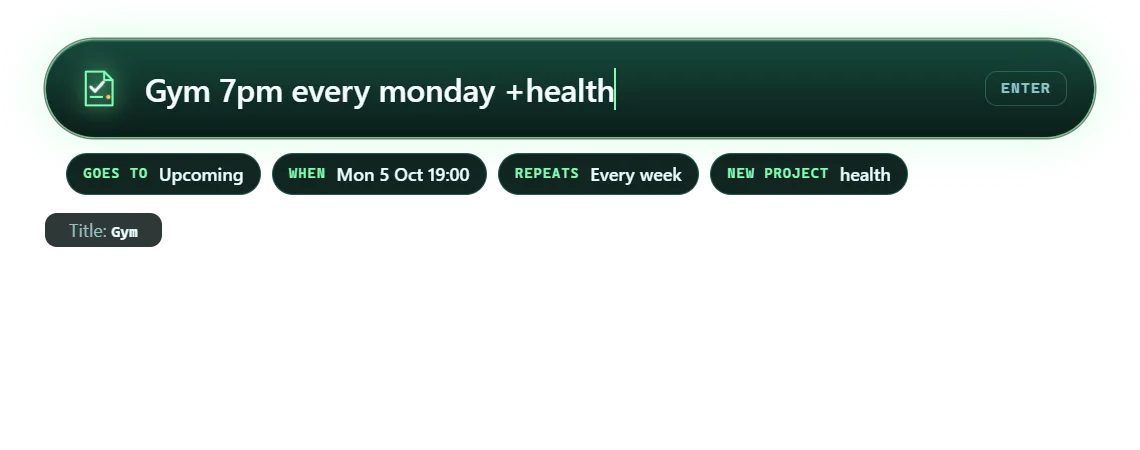
Type a line such as "call the plumber tomorrow 10:00 !high #home" and it becomes a task with a date, a reminder, a priority and a tag. Sync goes through your CrackMac account, end-to-end encrypted with a passphrase only you know, so CrackMac cannot read your notes.
What it does
14 features as of version 0.3.2, grouped by what you want to do. What changed lately →
Patch notes
The latest releases of CrackNote. Every release →
Sync and updates now go through account.crackmac.net, on Windows and Android.
CrackMac moved to crackmac.net. The old address, crackmac.nl, was blocked by its registrar. Your notes are untouched.On your TV and wall panel (Settings, Windows): today's tasks on CrackTV's Home and the CrackHome resting screen.
Only titles and times, never your notes, passed on by the CrackMac Launcher. Off until you switch it on; cleared at midnight.Morning brief: the day in one look, overdue first, the next timed task, your pinned checklist and a gentle nudge.
On Windows it fills the right-hand pane when nothing is selected; on Android it sits at the top of Today. A notification each morning at the time you choose.Focus mode: one task full screen with a 15, 25 or 50 minute ring timer and its steps.
Press F on Windows, or Focus in the task on Android. Done offers the next task.Screenshots
Before you start
On your Android phone
Free with a CrackMac account. On the Android device you want it on, open your library at account.crackmac.net, choose Download for Android, then open the file to install.
On your Windows PC
Download the CrackMac launcher to get CrackNote.
More from CrackMac

Browse, download and manage CrackMac products from one Windows app.
33 featuresSee the product →
A private workspace for stories, worldbuilding and continuity, built to work offline.
17 features · 4 screenshotsSee the product →
Your home's Wi-Fi cameras live on your PC, with motion alerts, a guard on your home network and a view on your phone. Nothing goes through the internet.
31 features · 4 screenshotsSee the product →